
Free AI Video Generator
Create AI videos from text or images with multiple models. See the cost before you generate, then continue in Ikat Studio.
Start free with 20 Ikat Credits.
AI VIDEO SHOWCASE
AI Videos You Can Create with Ikat
Create videos like these directly in Ikat with the AI video models available in one workspace.
VIRAL AI RAP DUO EFFECT
Hotel Lobby AI Video Generator
Upload two photos and turn you and a friend into the viral orange-studio AI rap duo. No prompt, no editing—just choose who goes left and right.
Create My Rap DuoVIDEO WORKFLOWS
Create AI Videos from Text or Images
Text to Video
Describe the scene you want and turn your prompt into a video with the model that fits.
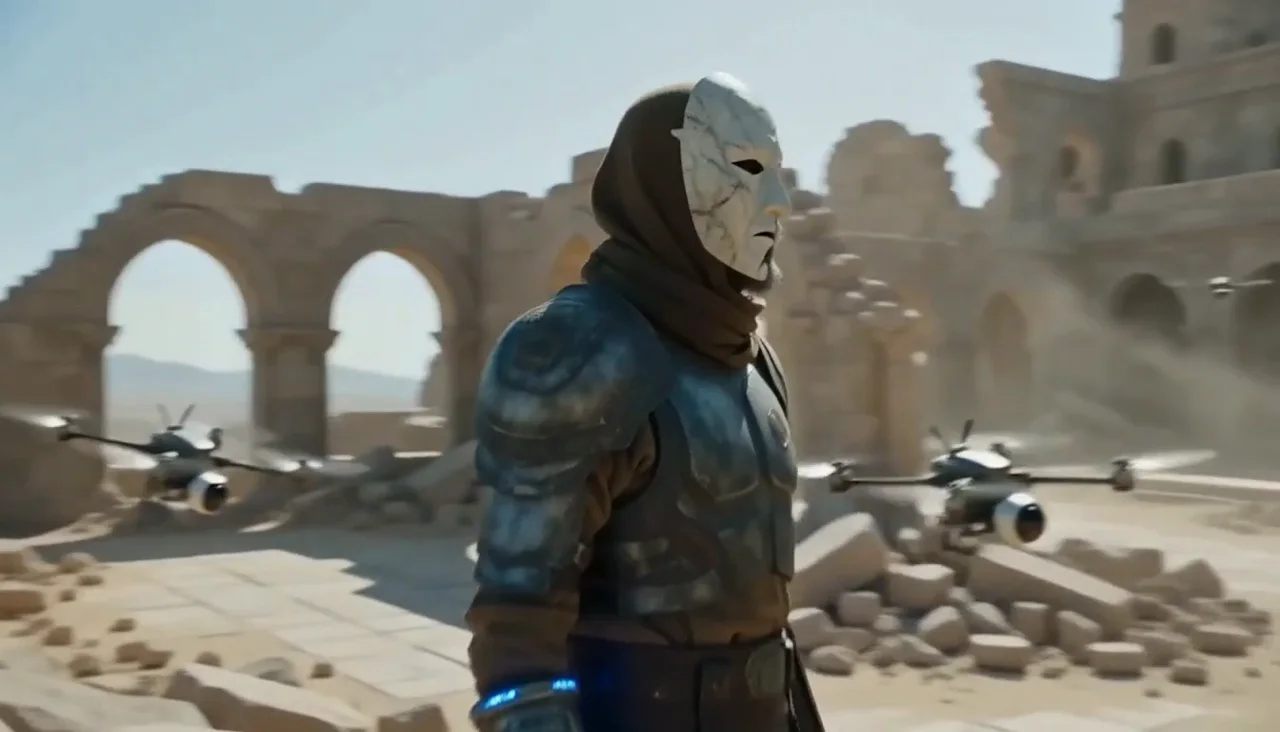
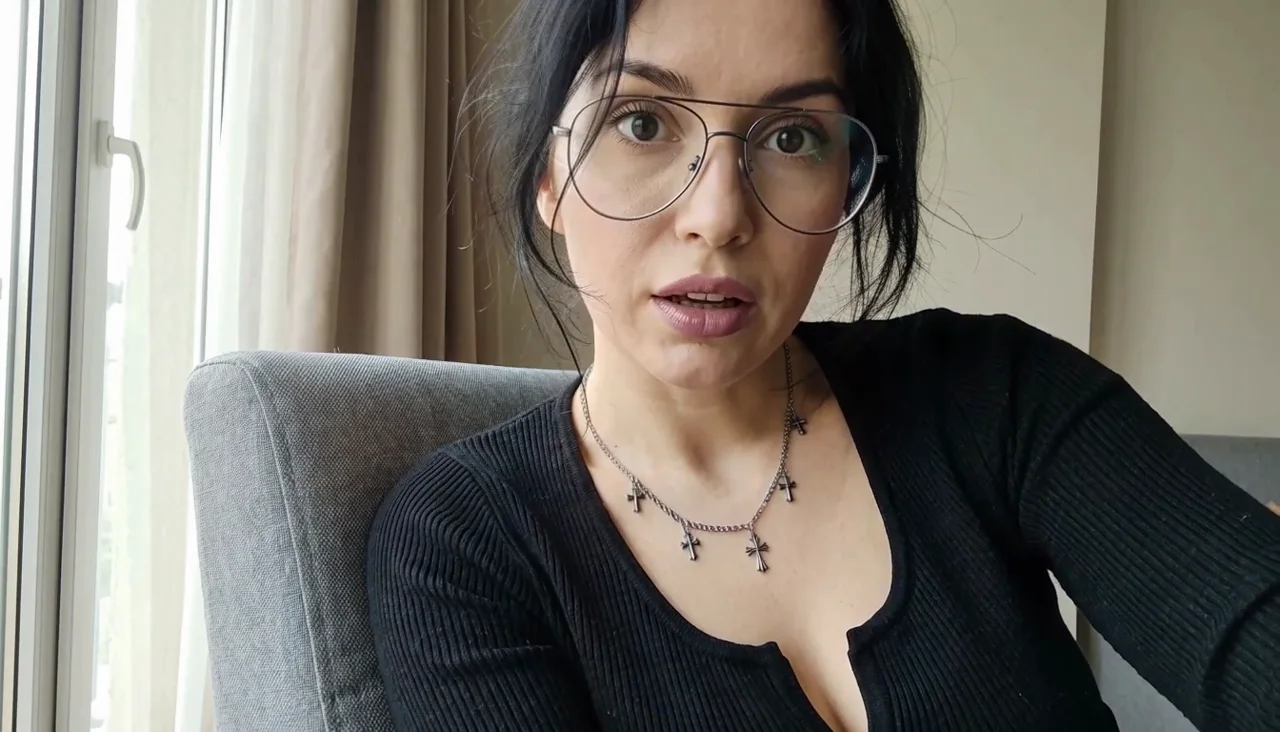
Image to Video
Upload an image, describe how it should move, and turn the still frame into a video.
AI MODELS
Choose an AI Video Model
Compare the video models currently available in Ikat, then open the one that fits your workflow.
MiniMax H3 Max
Text + Image
MiniMax H3 Max Turbo
Text + Image
MiniMax H3
Text + Image
Seedance 2.5
Text + Image
Kling 3.0
Text + Image
Wan 3.0
Text + Image
WHY IKAT
One place to create with multiple AI video models
Use the same workflow across different models instead of moving your prompt, source image, and results between separate tools.
Multiple models, one place
Choose the model that fits the job without starting over on another site.
Only the settings that work
Controls update to match the selected model, so you do not have to guess which options are supported.
See the cost before you generate
Ikat shows the required Credits before you submit a generation.
Keep creating in Studio
Your creations stay with your account so you can come back, reuse settings, and continue.
HOW IT WORKS
How to Generate an AI Video
Start with text or an image
Write what you want to create, or upload the image you want to animate.
Choose a model and settings
Pick the model and adjust only the options currently available for it.
Review Credits and generate
See the cost, generate your video, then find the result in Studio to download or continue.
PRICING
Simple pricing for every way you create.
Switch between monthly, yearly, and one-time Credits. The same balance works across Image and Video, and you will always see the cost before you generate.
COMMON QUESTIONS
AI Video Generator FAQ
What is an AI video generator?
An AI video generator turns a text prompt or source image into a generated video.
Can I try Ikat for free?
Yes. New accounts currently receive 20 Ikat Credits, enough to try an eligible video generation before buying more.
Can I create a video from text?
Yes. Use Text to Video to describe the scene, action, and motion you want.
Can I turn an image into a video?
Yes. Use Image to Video to upload a source image and describe how you want it to move.
Which AI video models can I use in Ikat?
You can currently use MiniMax H3 Max · MiniMax H3 Max Turbo · MiniMax H3 · Seedance 2.5 · Kling 3.0 · Wan 3.0 in Ikat. Available models may change over time.
How do Ikat Credits work?
Credit cost depends on the selected model and settings. Ikat shows the required Credits before you generate.
Where are my generated videos saved?
Signed-in generations stay with your account so you can return to the result and continue in Studio.
Create Your First AI Video
Start with text or an image, choose a model, and generate in Ikat.
Start Creating